Context
You need to set up restrictions for several user groups. Based on the configuration from the previous tutorial:
Multi-site Active Directory, network shares and user rights management
We will apply “quotas” to folder shares on the Chassignieu server as an example.
Here is the shared folders tree structure:
▶️SRV-CHA├── 📁DATA-CHA│ ├── 📁Tech-Common│ ├── 📁Adm-Common│ ├── 📁Adm-Chassignieu│ ├── 📁Tech-Chassignieu│ └── 📁Management│ ├── 📁Investments│ └── 📁HR├── 📁PROFILES-CHA└── 📁DBASE-CHAHere are the company requirements:
| Technicians | Common | Administrative | Common | Chassignieu Technicians | Chassignieu Administrative | Management |
|---|---|---|---|---|---|---|
| 1GB | 500MB | 1GB | 500MB | 2GB | 4GB | 4GB |
- Profiles
- Users
- Base folder
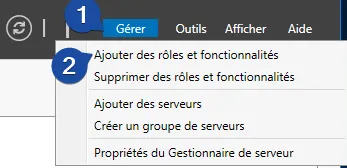
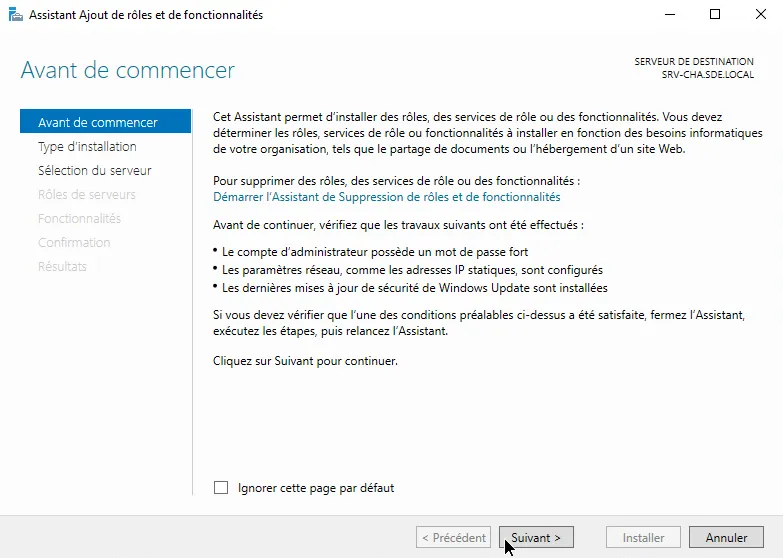
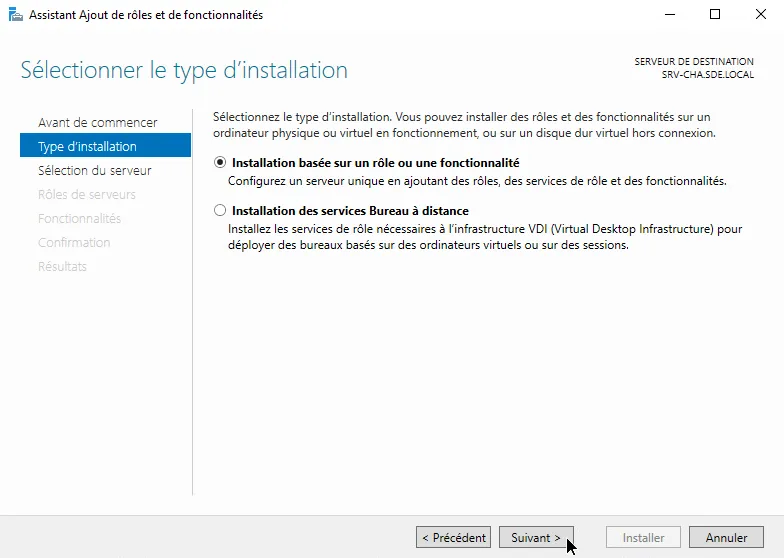
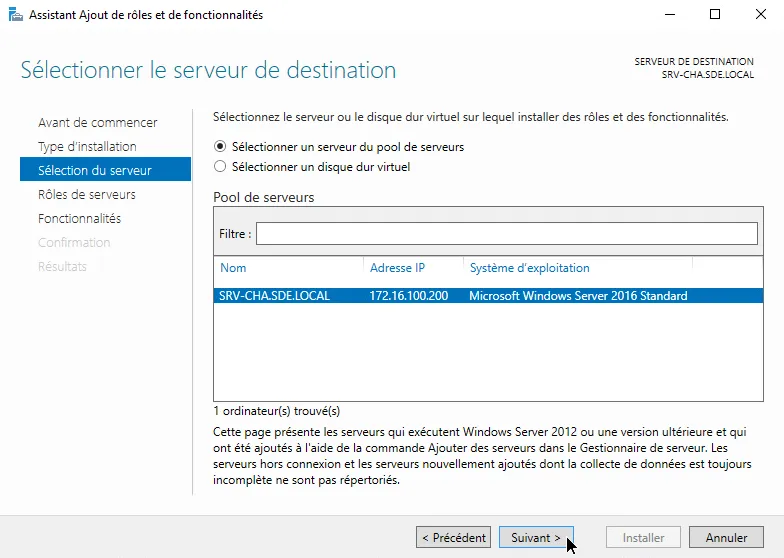
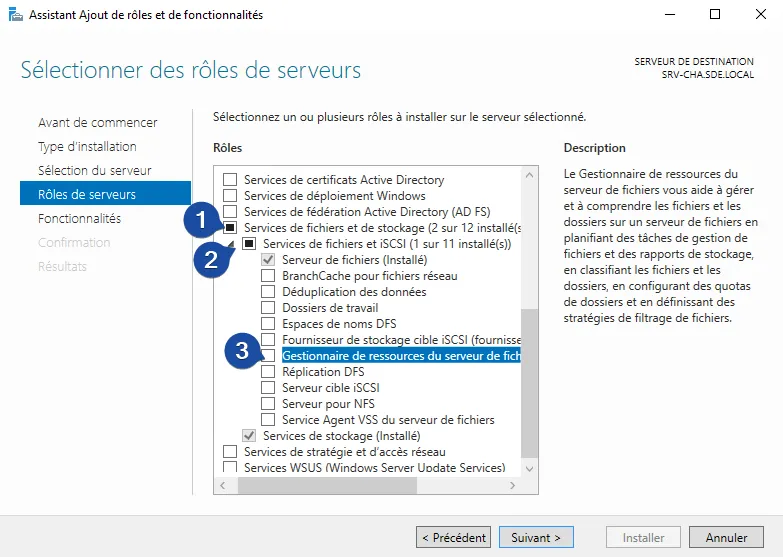
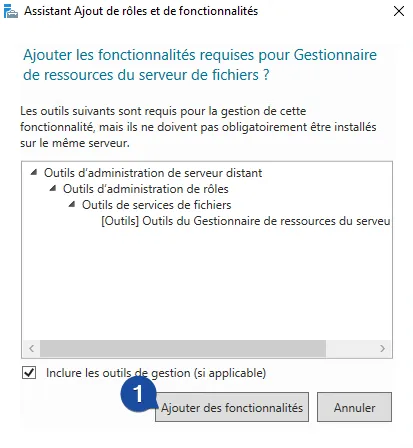
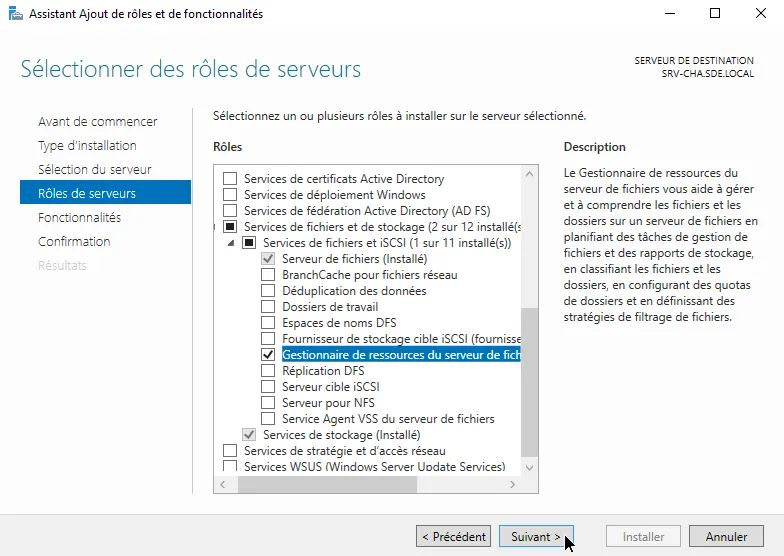
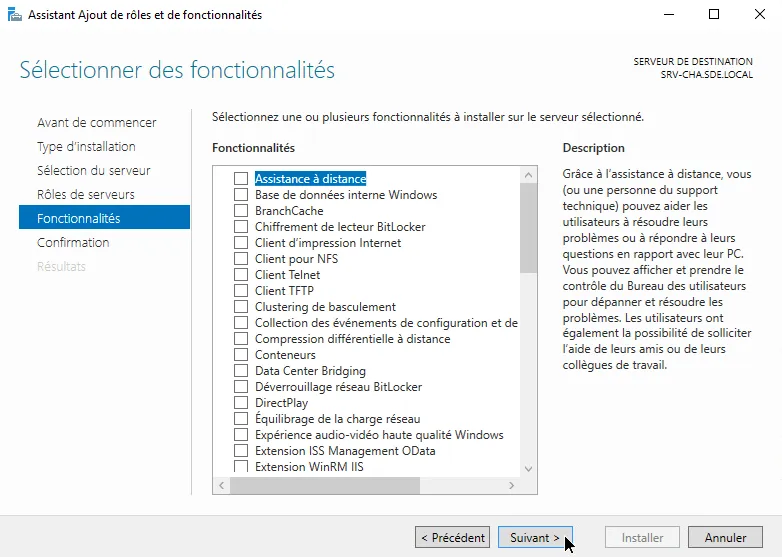
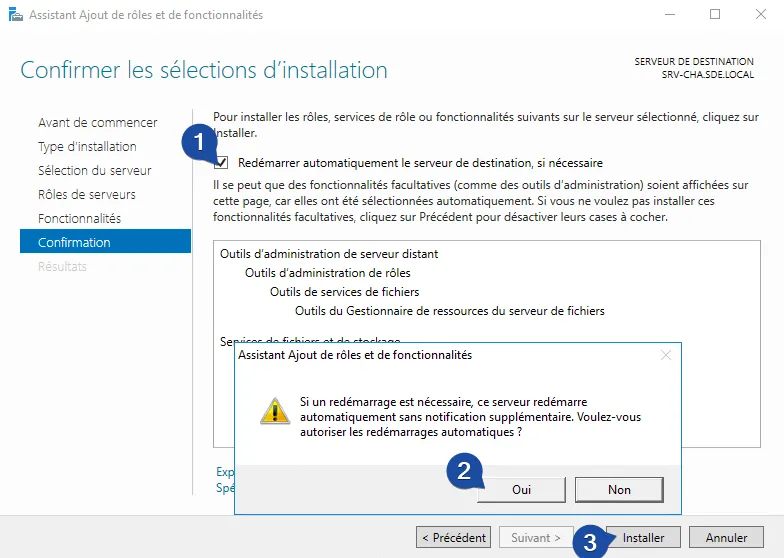
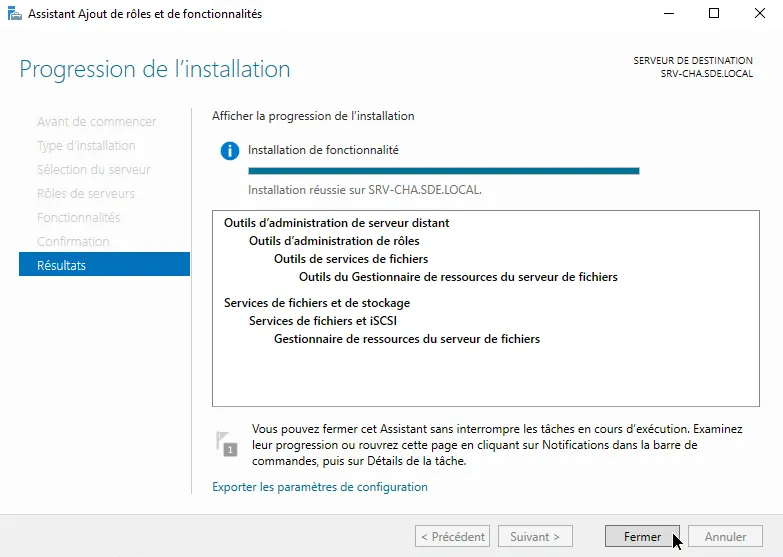
Adding the “File Server Resource Manager” role
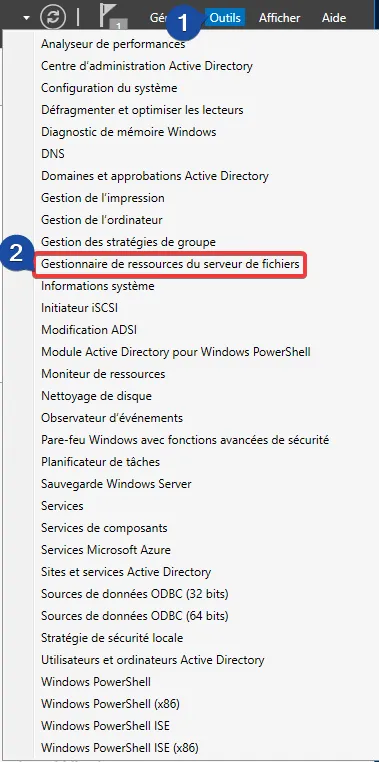
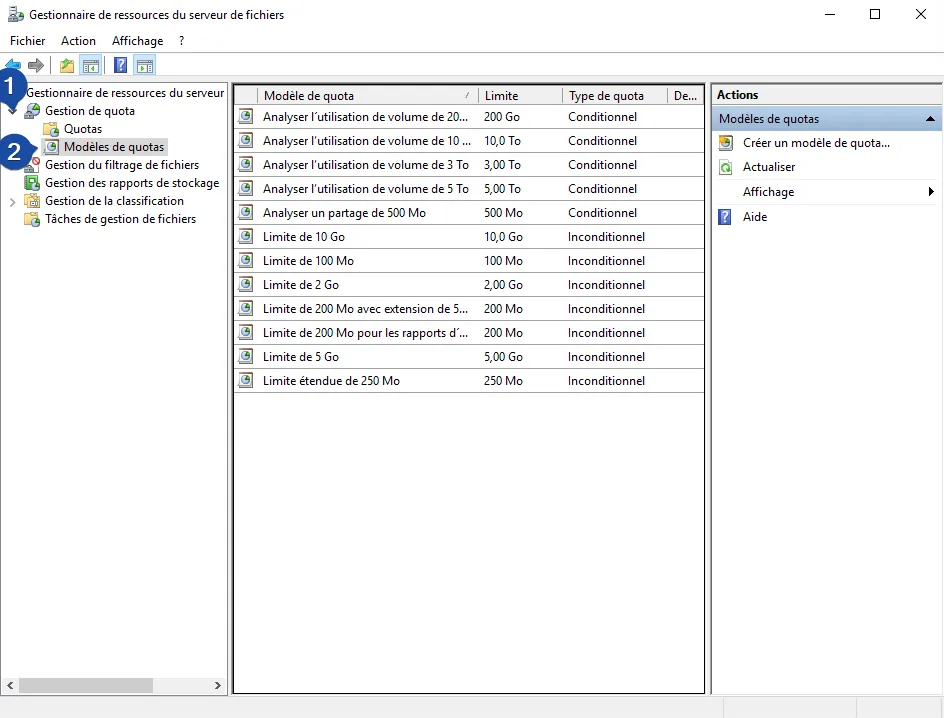
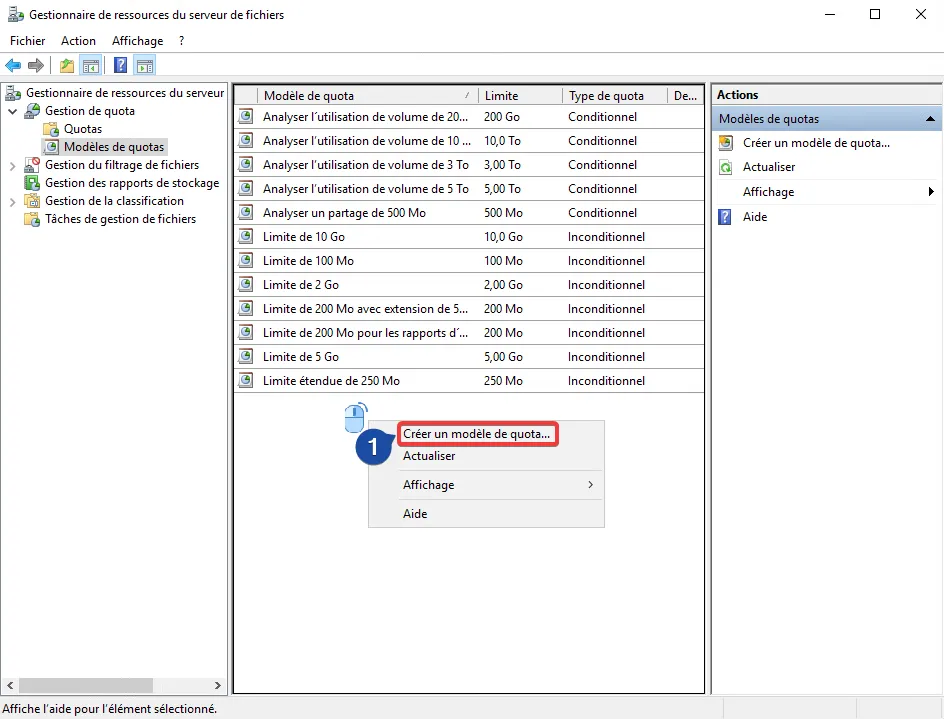
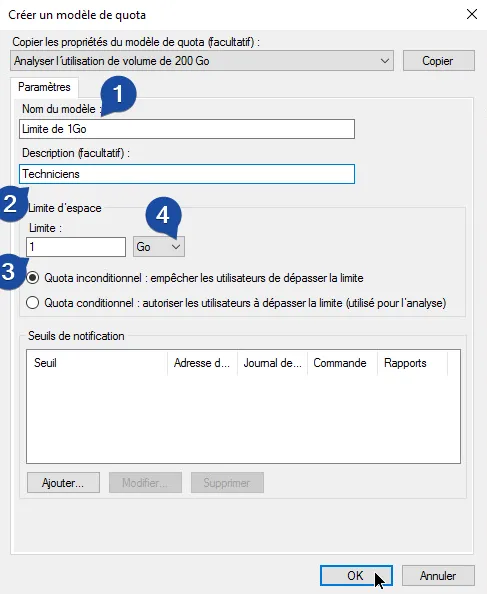
Creating a quota template
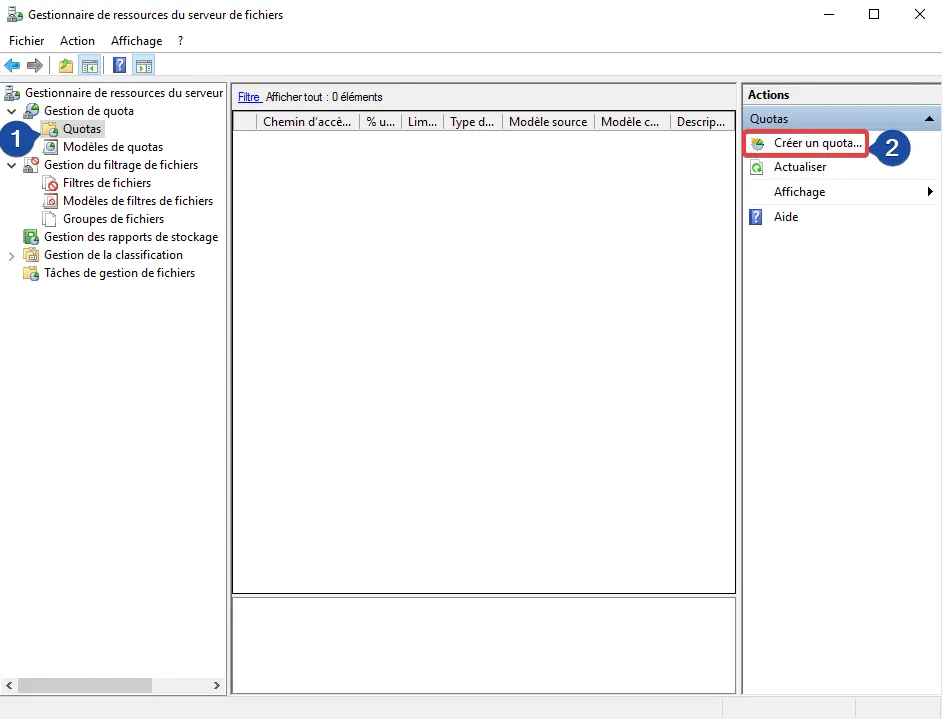
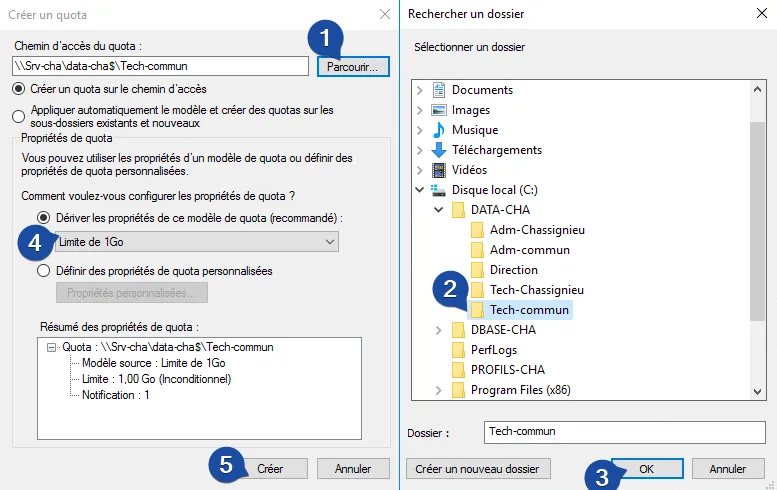
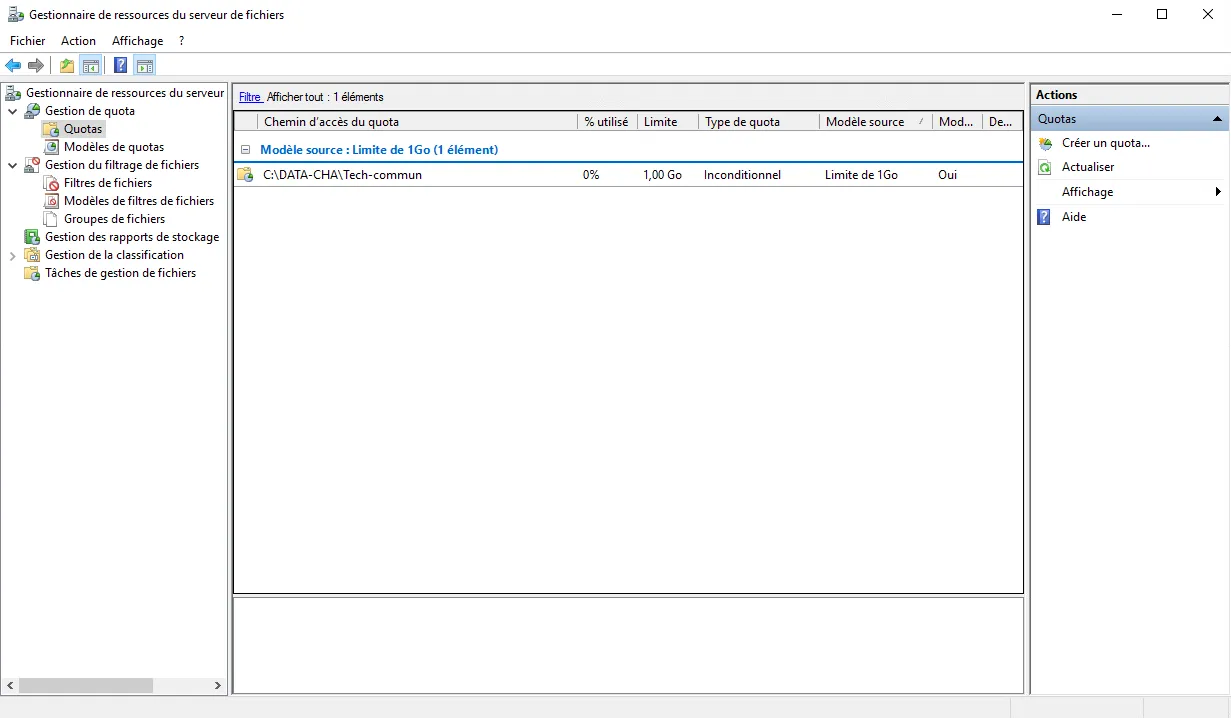
Applying quotas
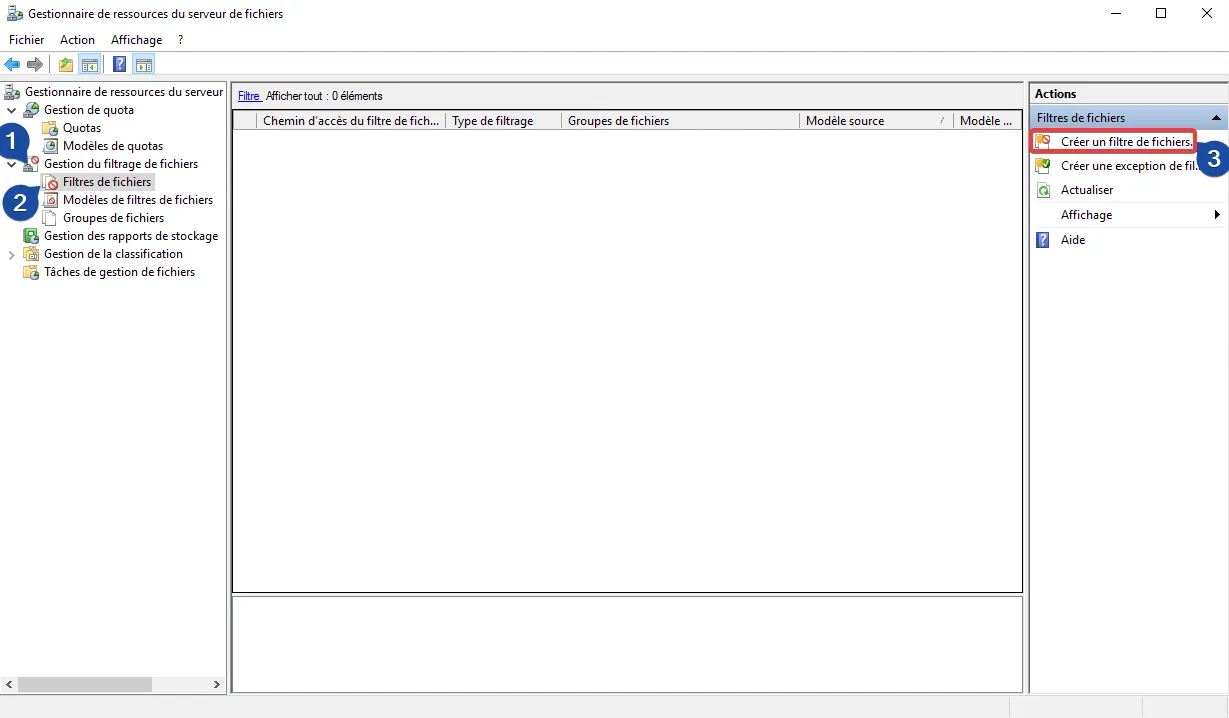
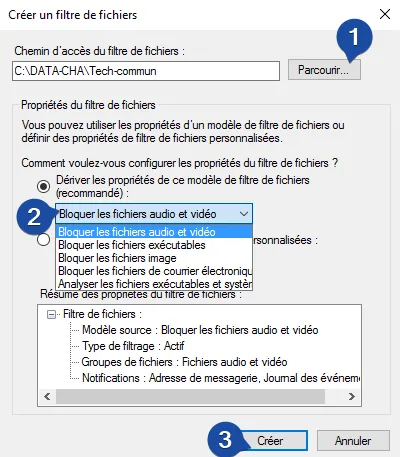
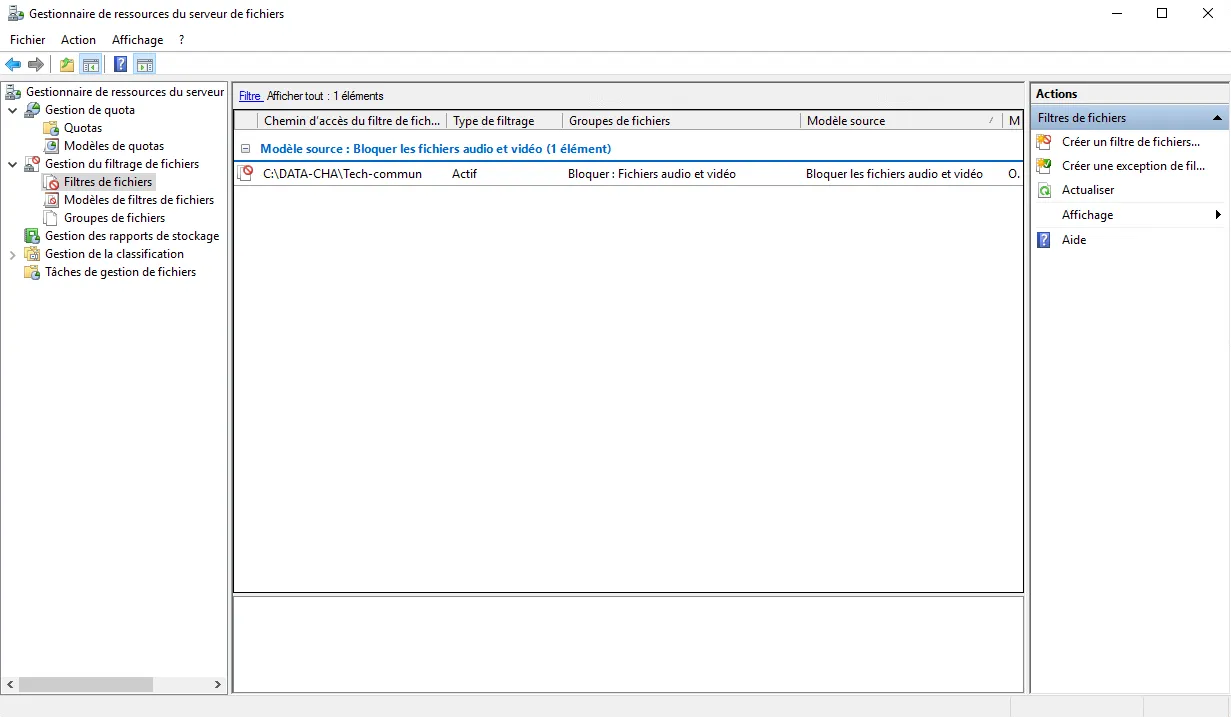
Bonus: Applying filters